PUMU 璞木, and Customizing Fox and OGS Board and Stones
38 views
25 de julho de 2026
PUMU is offering a discount code, check the video description for more!
Recently, I was going through r/baduk on Reddit when I saw an interesting dark theme for gobans which reminded me of my Sabaki Theme Collection, a repo I created in a couple of days many years ago for learning how to customize the theming for the editor Sabaki. After posting a comment about that repo, the user behind the Patreon creator PUMU 璞木 reached out to me to share his work and ask me for recommendations about how to port his themes to Sabaki.
PUMU 璞木 on Patreon
I was quite surprised by not only the fact that he has a catalog with dozens of themes but that PUMU seems to be present on many of the most popular Go streams on Twitch.
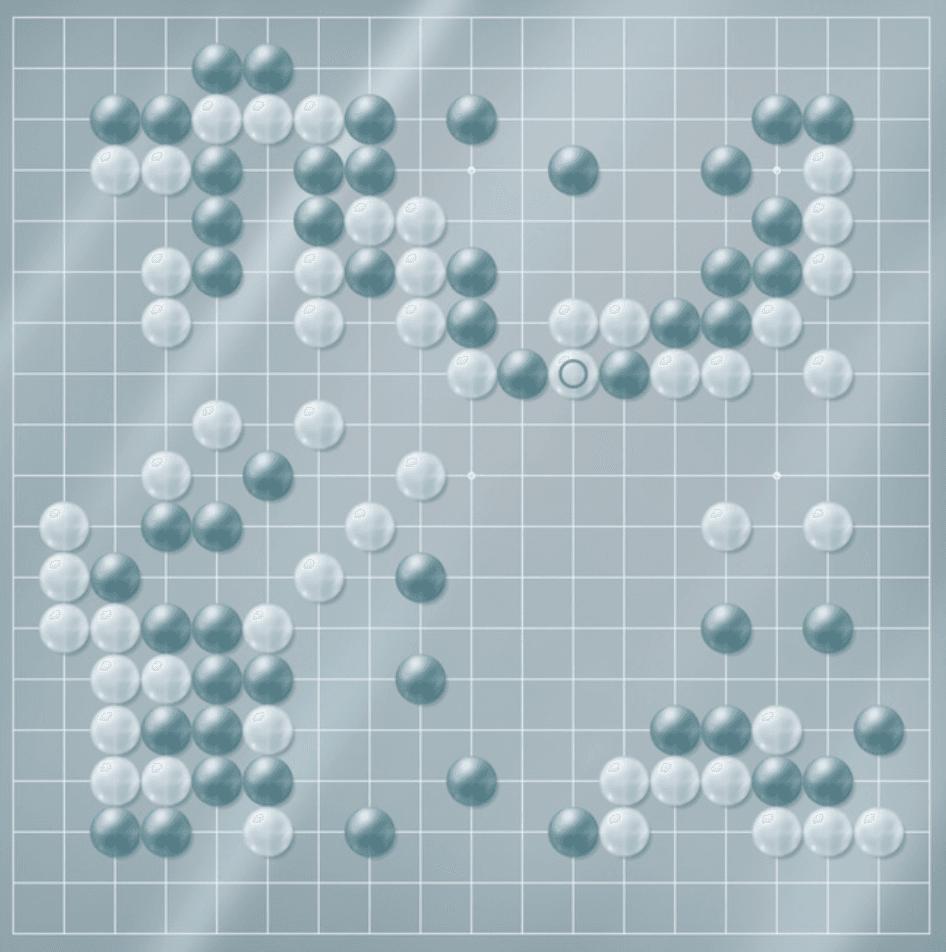
PUMU's "Glass Kiri" theme
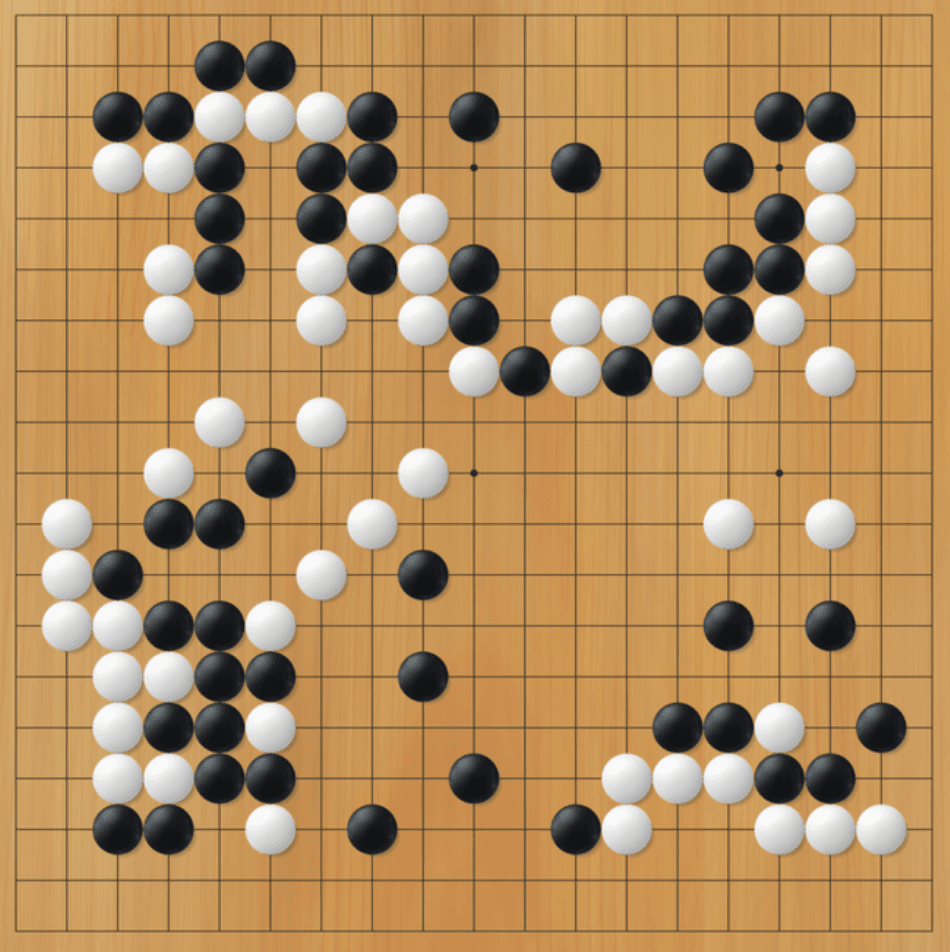
PUMU's "Kaya 01" theme
Customizing Fox
Before knowing PUMU, I wasn't aware it was possible to customize Fox's board and stones themes. It actually isn't. Not through its interface at least. However, there's a way to hack into it. PUMU shares charts on his Patreon page guiding users with the process. On Windows, what you need to do is:
- Find where in the
Program Files (x86)folder yourfoxwqis installed; - Replace the
badukpan4.png,badukpan4old.png,whiteStone.pngandblackStone.pngfiles in theImagesfolder with the new image assets — do make sure you don't lose the original assets, just in case.
Customizing Sabaki
If you're curious about how to package his themes for use in Sabaki, I suggest you use one of my themes on my Sabaki Theme Collection as reference. In short, the CSS code is gonna look like this:
.shudan-goban {
    --shudan-board-border-width: 0;
    --shudan-board-foreground-color: #222;

    --shudan-black-background-color: #0E0E0E;
    --shudan-black-foreground-color: #eee;

    --shudan-white-background-color: #EBEBEB;
    --shudan-white-foreground-color: #222;
}

.shudan-goban-image {
  background-image: url('img/background.png');
}

.shudan-stone-image.shudan-sign_1 {
    background-image: url('img/blue.png');
}

.shudan-stone-image.shudan-sign_-1 {
    background-image: url('img/purple.png');
}
You will then mostly only need to replace the image URLs, and then package everything into an .asar file.
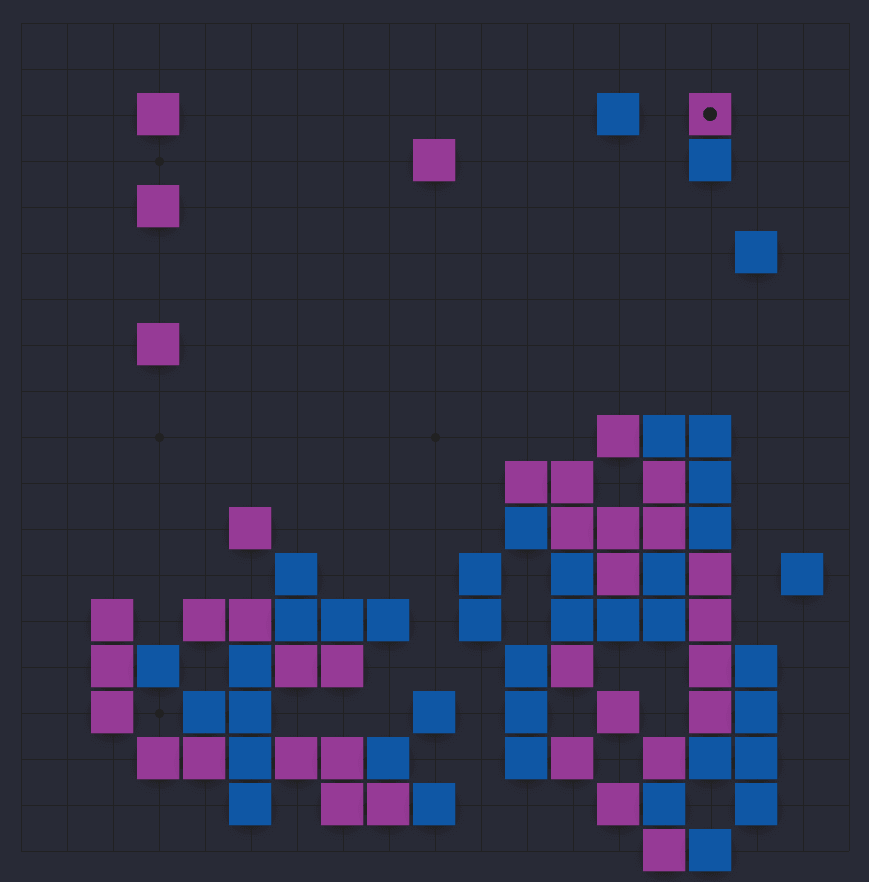
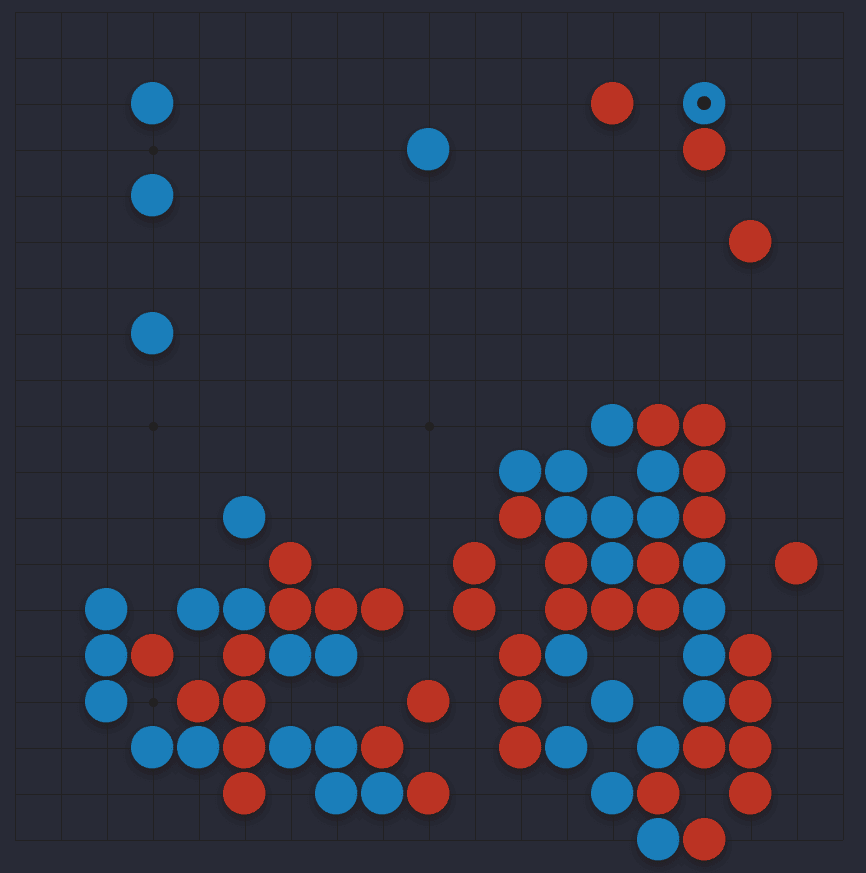
My "Bluish Purple Square" Sabaki theme from the code above.
Customizing OGS
OGS is probably the easiest platform to customize. Just click on your username on the top-right and you will be met with many presets already.
If you wanna go any further, click on "More Options" and you're gonna have URL links available for customizing the board and stones. And, just like Sabaki, you can even customize the grid's color.
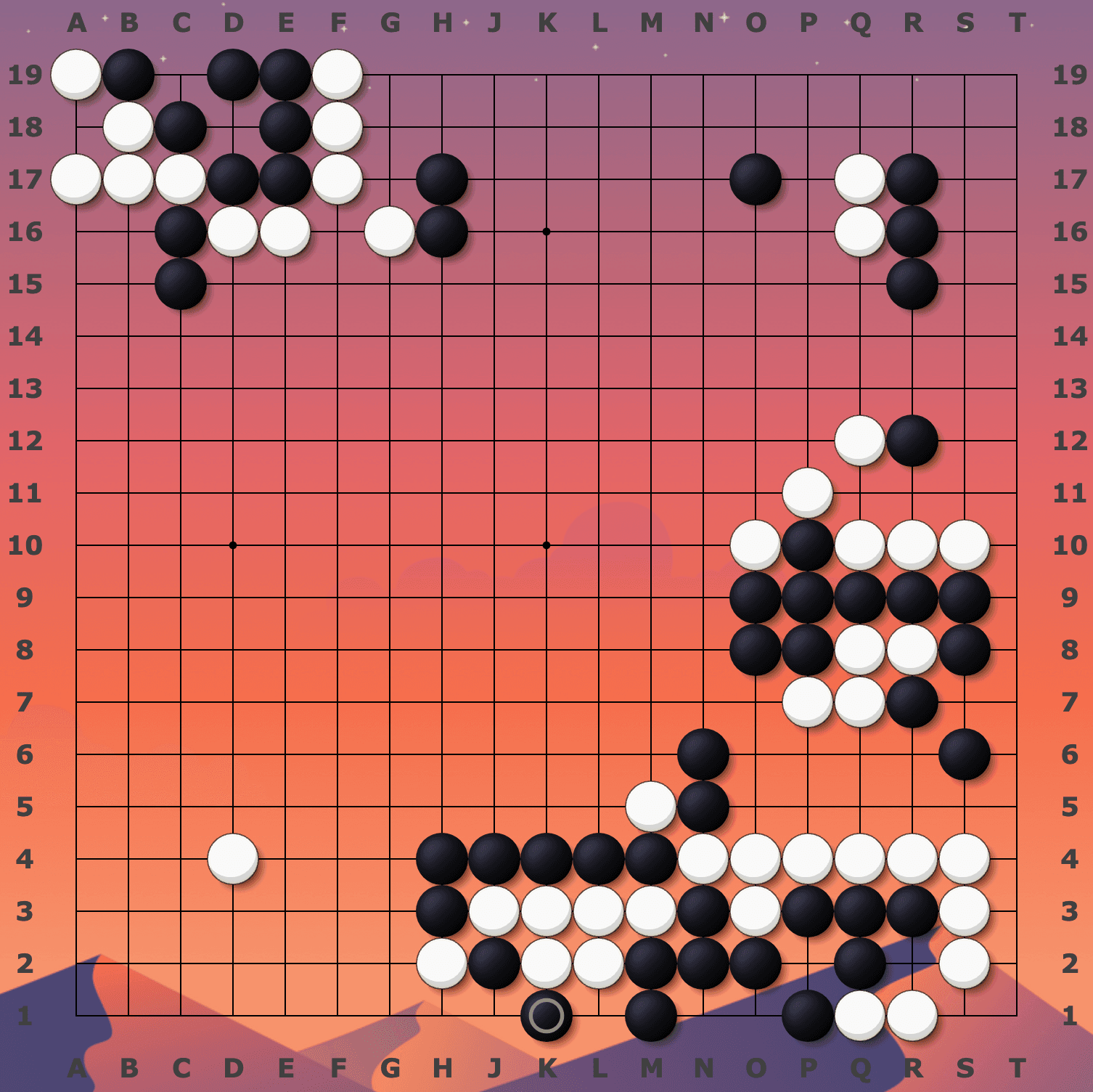
My OGS "Desert" theme.
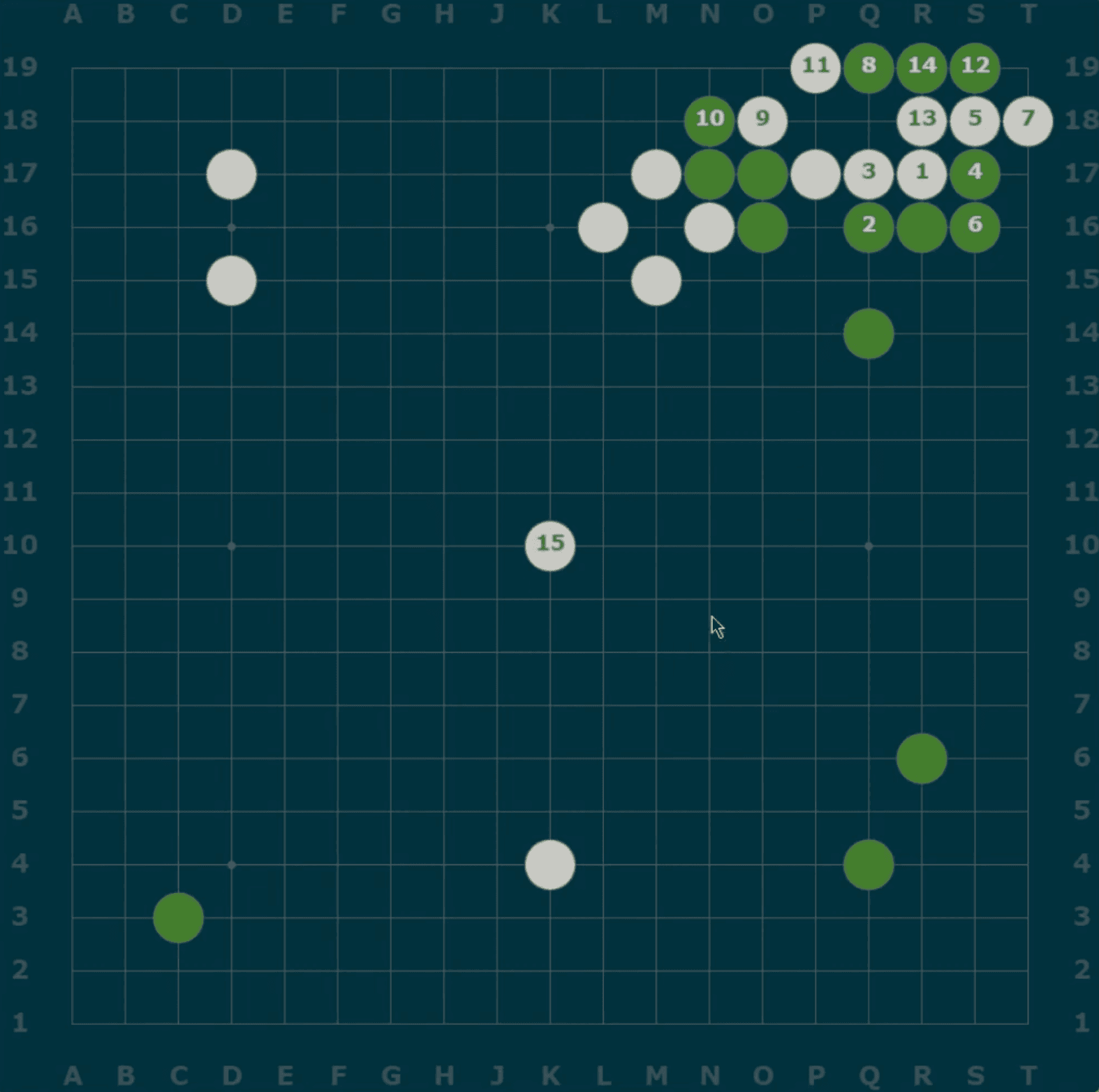
My OGS "Pistacchio" theme.
My two favorite OGS themes in the past 5 years have been the "Desert" and the "Pistacchio", which I adapted from these two OGS Forum threads:
Comentários
Você precisa entrar na sua conta para comentar.
Ainda não há comentários.